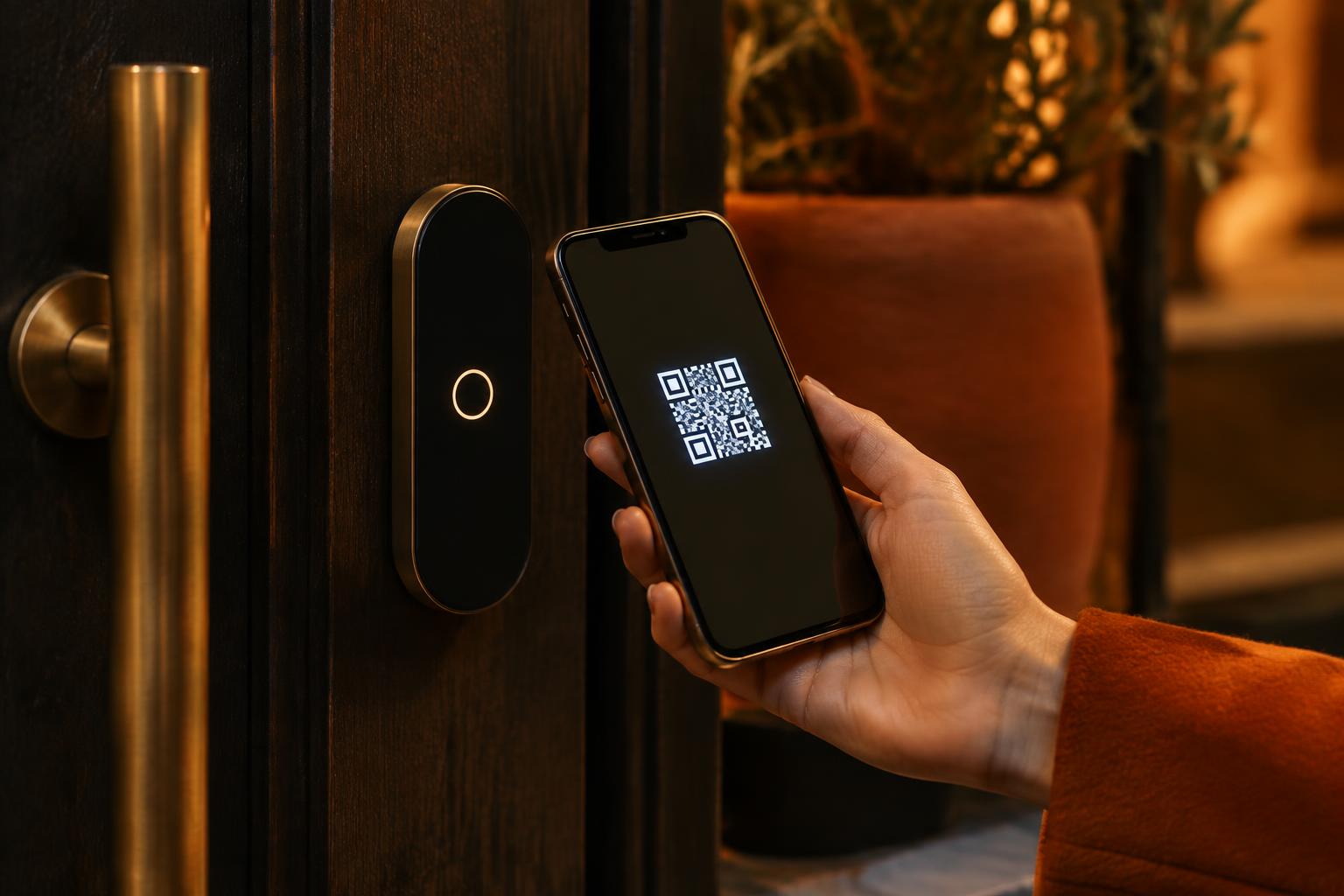
HOSPITALITY WITH A DOOR POLICY
Calm at the door starts before the evening.
When a guest arrives with others, your team should not be searching messages for permission. With Doorman, staff see immediately after a scan whether the pass is valid and for how many people.
THE CHALLENGE
A guest list does not tell the whole story.
On a busy club night, admissions, pass statuses and guest numbers change. The door team must be able to see quickly what is approved at that moment, without phoning a manager.
THE APPROACH
One current check with every scan.
Your team reviews applications and guests in advance. At the door, a staff member scans the digital membership pass and sees current validity and the approved number of guests. A pass can be paused or revoked remotely.
IN DOORMAN
What your team does with it.
Scan for validity
The door check shows whether a pass is active at the moment of scanning.
Guests after approval
A manager reviews the request; the door sees the permitted number.
Remote management
Pause or revoke the pass before the next scan takes place.
Does the door team have its own check view?
Yes. The scanner shows the current access status and, after approval, the number of guests.
Can I invalidate a pass immediately?
A manager can pause or revoke a pass. The next scan uses the current status.
Do I need a separate QR scanner?
The app has a scan view. A separate scanner can be used as keyboard input; suitability of specific hardware must be checked per setup.
LET’S TALK
What community suits your venue?
Request a demo of private membership and access, or of the Neighbourhood Pass with points and rewards. We will show you both sides.
doorman@socialroots.nl