DOORMAN
Scanning and integrations
From your phone to a fixed door controller and your POS: choose the setup for your venue.
01 · No extra hardware required
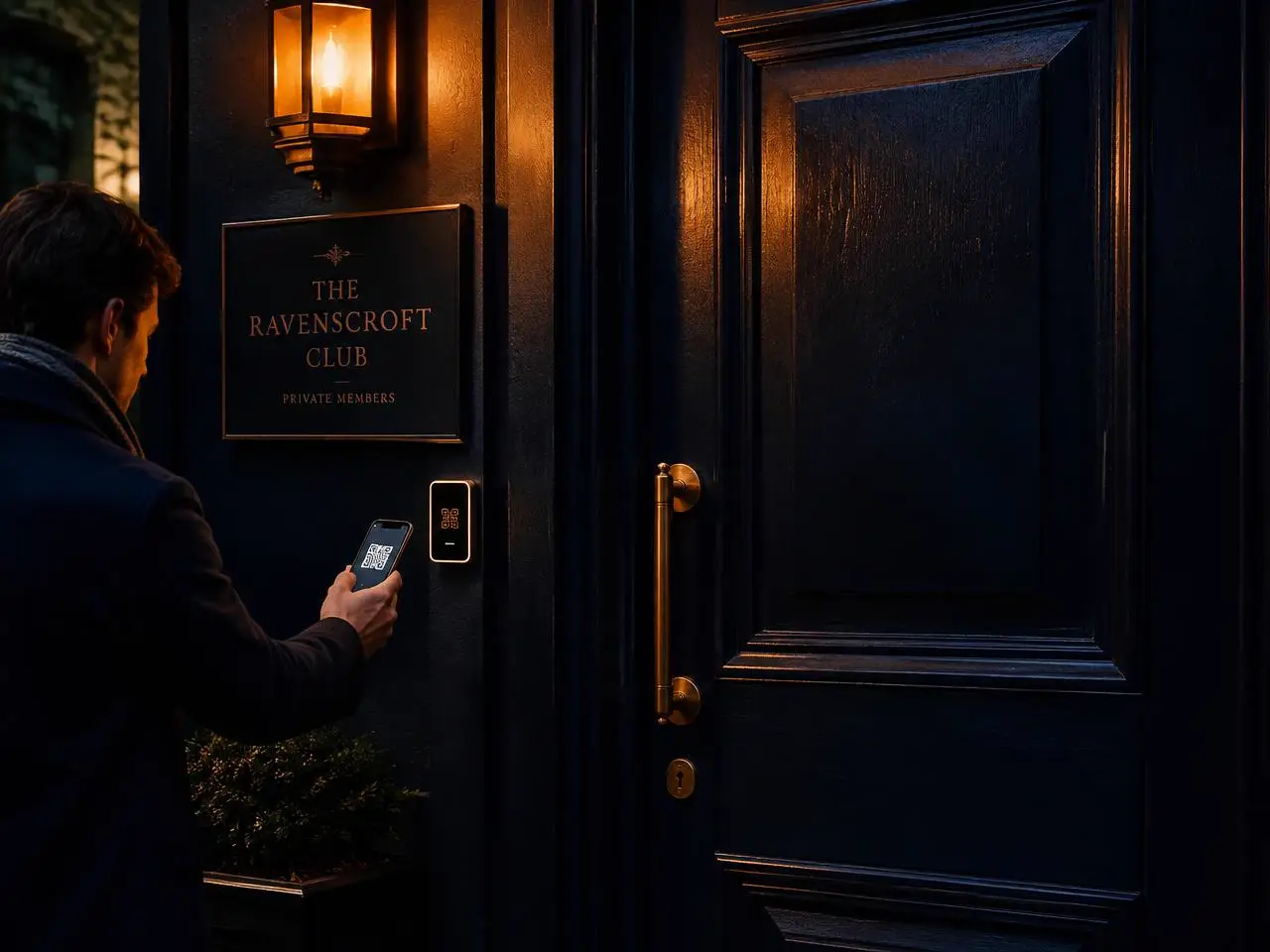
Scan with your phone
- 1.Sign in as staff or manager and open Scan.
- 2.Start the camera and scan the guest’s QR code.
- 3.View entry, guests and guest profile; without a camera, enter the member number.
Entry approved
Alex de Vries · Nº 1002
May enter with 3 people
02
Fixed scanner or QR reader
Any QR reader in keyboard mode can send codes over USB or Bluetooth. Connect it, open Scan and select External scanner. The input processes the code with Enter. No device key is needed.
For network devices, a manager creates a key in Settings → Devices. Enter a name and type, copy the key on creation and revoke it there when needed. Last activity is also shown.
03 · Technical protocol
Door control and POS
UniFi Access, other access systems, POS and reservation systems connect through a custom integration. The scan API checks access; the events interface records visits, orders and reservations. A Neighbourhood Pass never grants entry.
We build custom integrations with your door system or POS. Request a quote.
POST /api/public/scan
POST https://meetdoorman.com/api/public/scan
Content-Type: application/json
x-device-key: <device-key>

{"payload":"<scanned-QR-code>"}

200
{"granted":true,"result":"granted",
 "detail":"Toegang verleend",
 "member":{"member_no":427,"name":"Alex","tier":"gold"},
 "guests":2,"persons":3}
Only granted: true may open a door. The controller determines safe relay operation; the API does not control a lock directly.
QR format
<PREFIX>1|passId|slot|signature
<PREFIX>W1|passId|TOTP
<PREFIX>A1|passId|signature
Bisous: BSU1 / BSUW1 / BSUA1
Responses and error codes
200: granted / invalid / forged / expired / revoked / suspended
400: invalid body · 401: unauthorized · 429: rate limit · 500: unavailable
Visits, POS and reservations
Create a separate events key in Settings → Integrations. Use Authorization: Bearer with this key, not the device key. external_id is unique per venue and source; retries are not processed twice.
POST /api/public/integrations/events
Authorization: Bearer <events-key>
Content-Type: application/json

{"source":"tavyno","external_id":"order-123",
 "event_type":"order",
 "occurred_at":"2026-10-31T18:00:00Z",
 "guest":{"email":"guest@example.com"},
 "amount":50,"items":[{"name":"Lunch","category":"lunch"}]}

200: processed / duplicate
202: unmatched · 409: conflict
400: invalid · 401: unauthorized · 429: rate limit
We build custom integrations with your door system or POS. Request a quote.
Available now
Scanning with your team’s phone, QR readers through the scan interface, door integration on request, sign-up through your page or promotional QR.
POS and reservation systems: on the roadmap through Tavyno
POS and reservation integrations run through Tavyno’s interface, our own hospitality platform. Once an integration is live, we mark it here as 'available'. If your system is listed, let us know so we can move it up the roadmap.
- Lightspeed Retail (X-Series)Roadmap
- Lightspeed Restaurant (K-Series)Roadmap
- Lightspeed Restaurant (L-Series)Roadmap
- untillRoadmap
- MplusRoadmap
- TebiRoadmap
- booq (Eijsink)Roadmap
- Zettle by PayPalRoadmap
- SumUpRoadmap
- Shopify POSRoadmap
- SquareRoadmap
- CloverRoadmap
- VectronRoadmap
- ToastRoadmap
- ZenchefRoadmap
- TavynoRoadmap
Another POS? We build a custom integration. Request a quote
Request a quote