COMMUNITY AND LOYALTY FOR HOSPITALITY
Your guests. Your community. Your welcome.
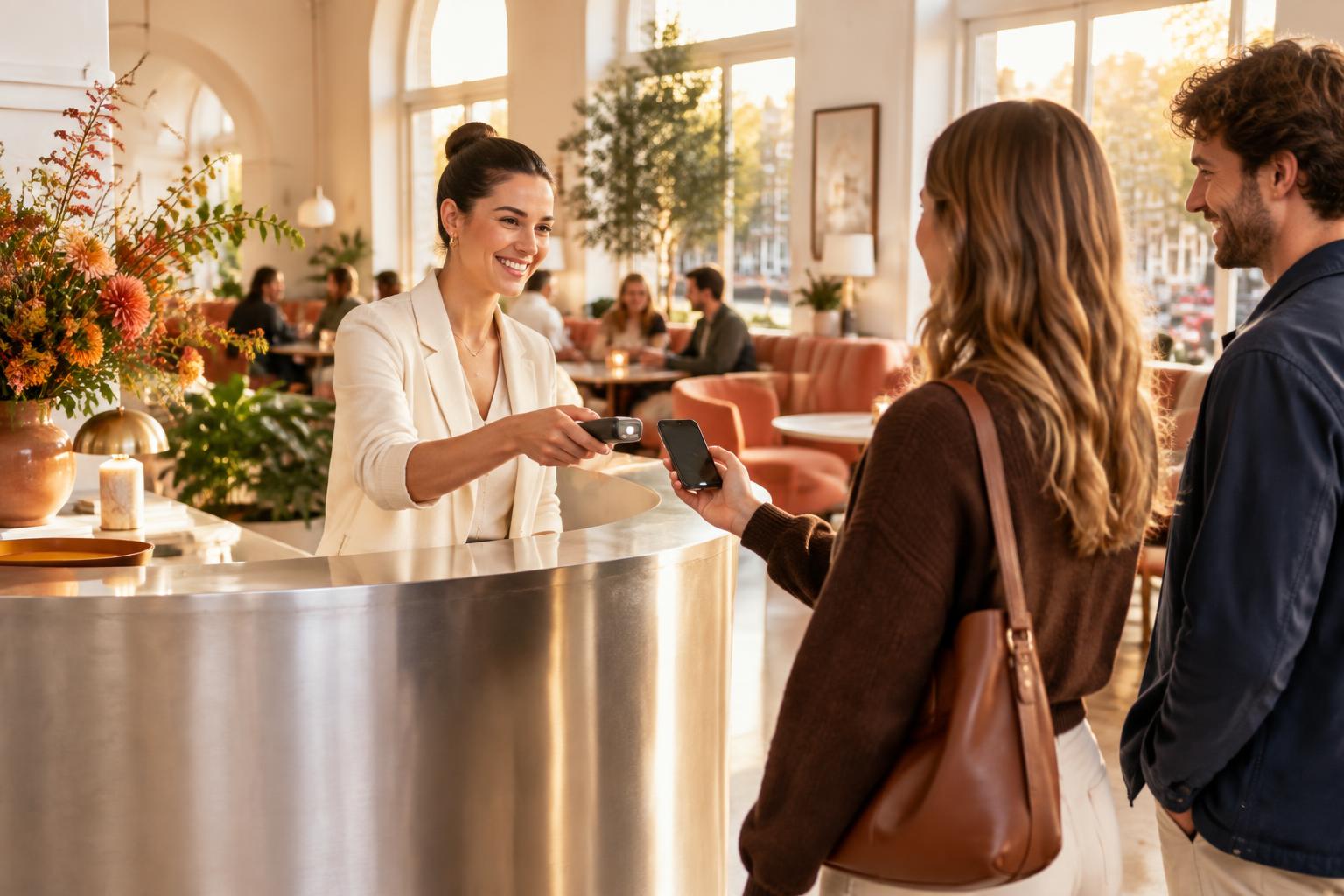
Doorman is community building for hospitality. Two ways to bring people closer to your venue: a private community with member passes and access management, or a neighbourhood pass where regular guests collect points.
Sample pass · Nº 1002
Alex de Vries
This QR is only an illustration for the tour. The real door scanner will not accept it.
Fictional sample pass. This QR cannot grant entry.
HOW DOORMAN WORKS
One current view, from application to door.
Three examples with fictional details. These show existing actions, not a public admin area.
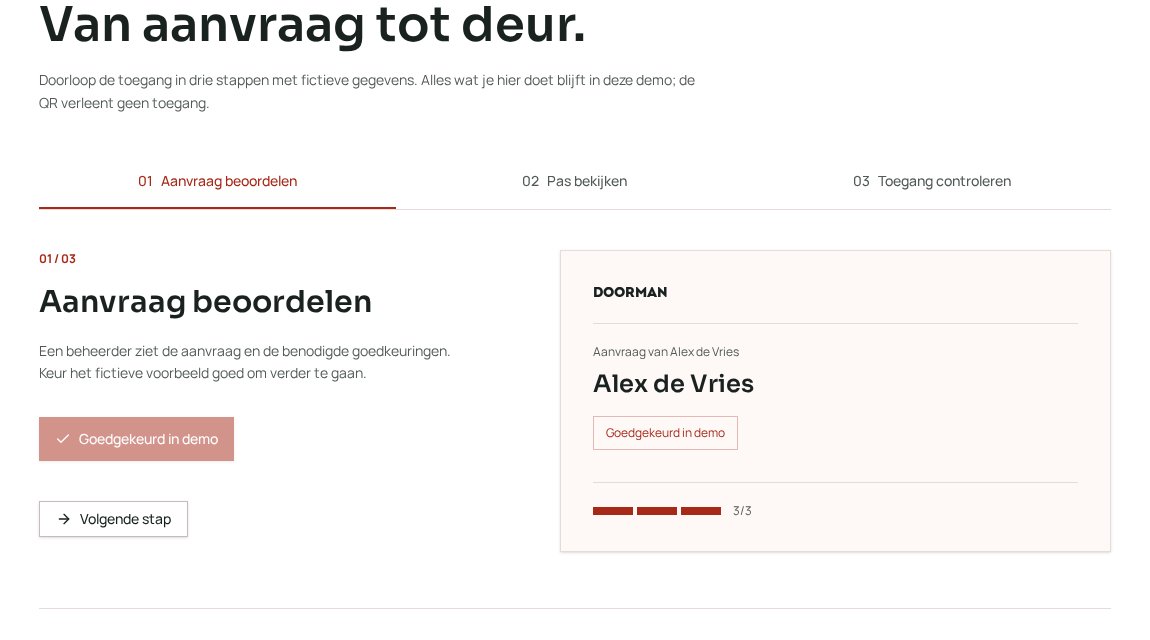
Review an application
Managers review the same application and see how many approvals are still needed. Decisions stay in one place instead of scattered messages.
Approvals
Alex de Vries
Check at the door
Scan the current pass and see whether entry is allowed, including approved guests. Staff know exactly how many people may enter.
Entry approved
Alex de Vries · Nº 1002
May enter with 3 people
Manage a pass
See a member’s status and pause or revoke the pass if needed. The next scan follows its current status.
PRODUCT TOUR
From application to door.
See how an application is reviewed, a sample pass is shown and access is checked. Details are fictional.
This QR does not grant entry.
THE BACKGROUND
Built with hospitality in mind.
01 / PRIVATE COMMUNITY
Build a community that belongs at your venue.
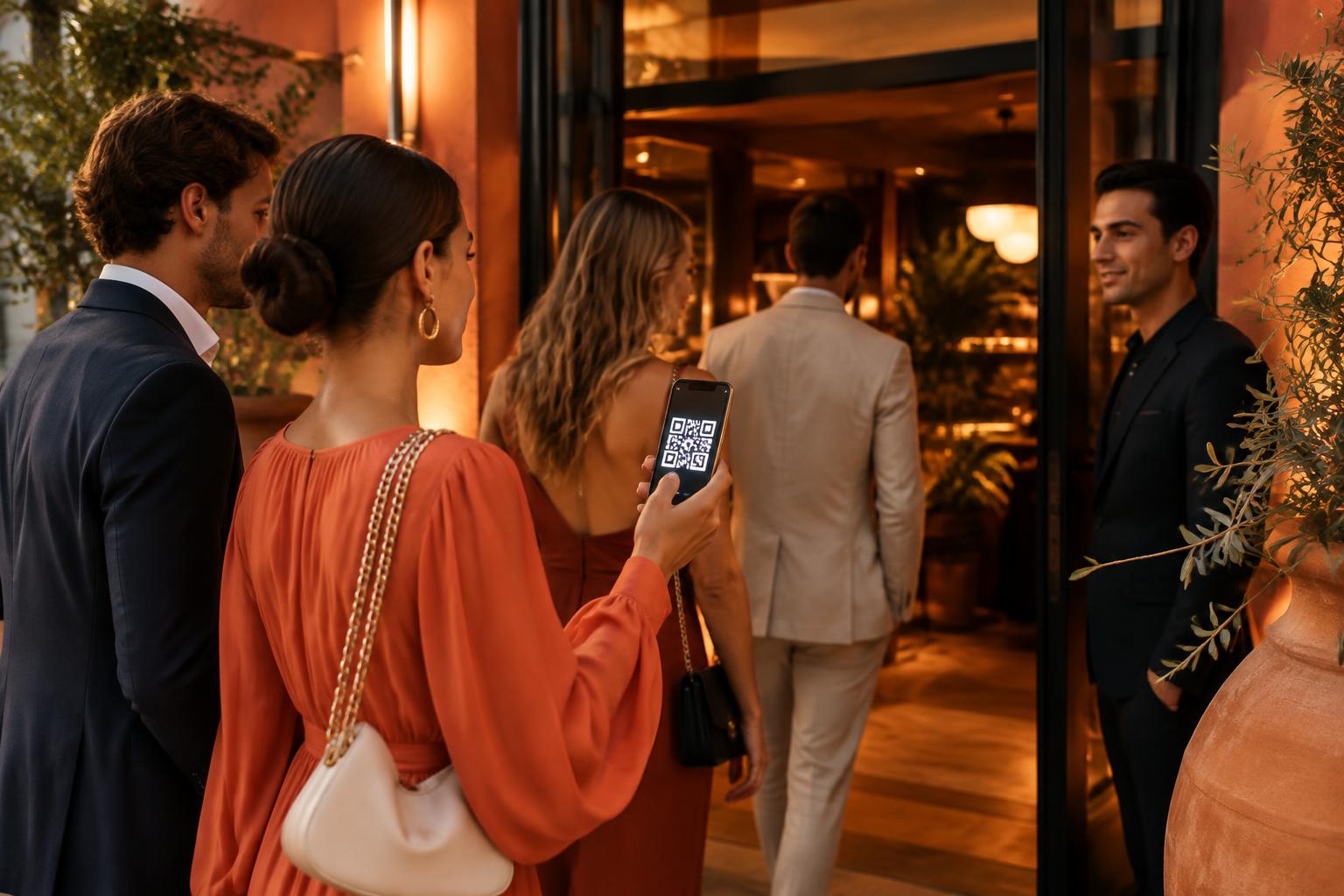
For private clubs and venues with their own door policy. Let your team decide together who joins, issue branded member passes and keep access up to date.

Private member club
Who belongs? Let your team review applications together and issue passes to approved members.
Applications, approvals and passes in one place.
Club nights and door policy
Who may enter tonight, and with how many guests?
Check current pass status and approved guests at the door.
02 / LOYALTY
Loyalty · neighbourhood pass and points
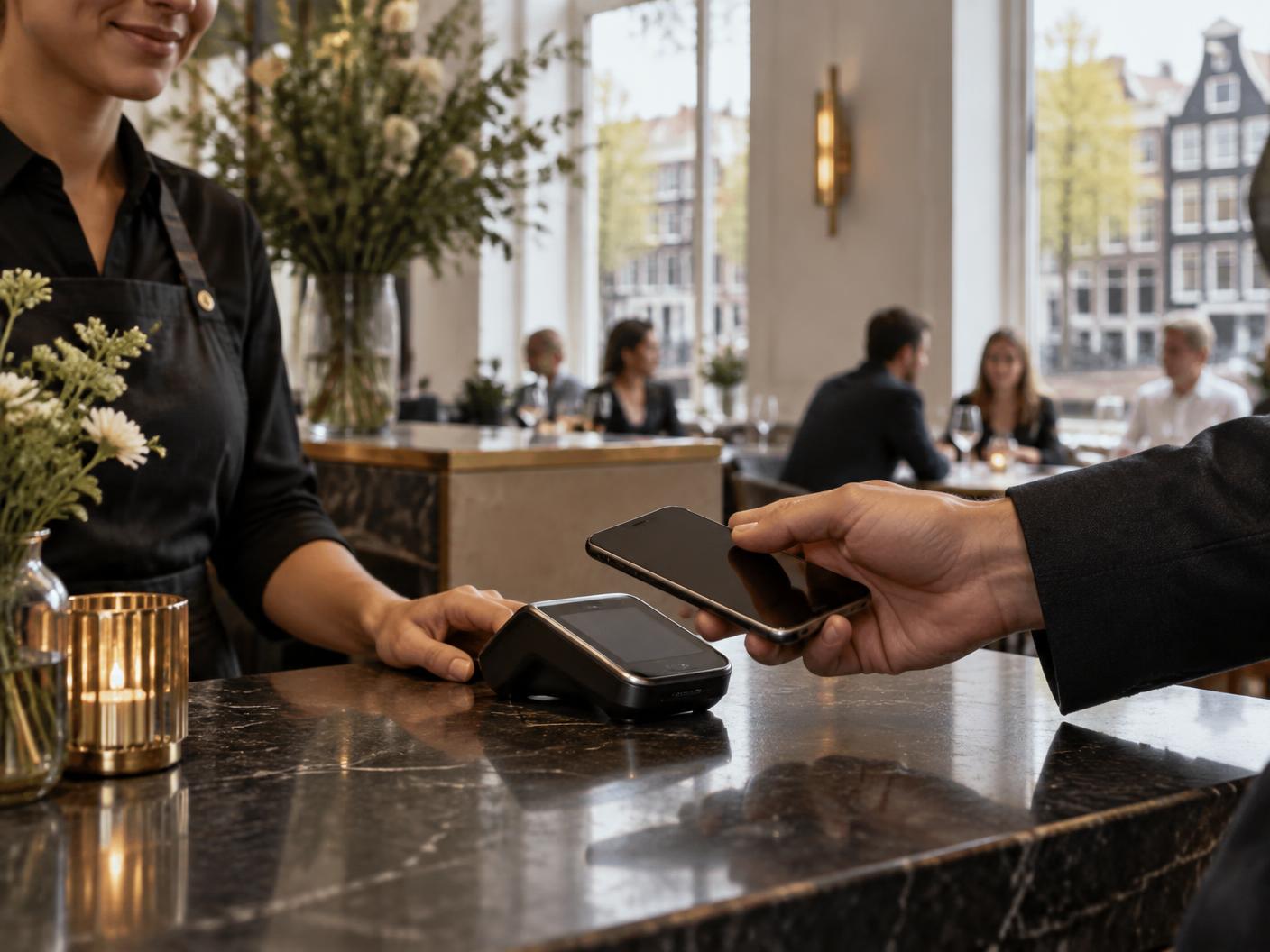
A neighbourhood pass for returning guests.
Not every guest needs private club membership. With the neighbourhood pass you recognise and reward regulars: they collect points with their own QR, you manage rewards and stamp cards in a simple environment. We set up the connection with your POS together with you.
- Points, rewards and stamp cards per venue
- The separate loyalty QR never grants entry
- POS connection arranged per venue
GOOD TO KNOW
A loyalty scan never opens the door.
Access and loyalty have separate QR codes. The door scanner checks the access pass; staff use the separate loyalty QR for points and rewards.
Pricing
Clear pricing for access.
The pricing tiers below cover access and member management. Loyalty with the neighbourhood pass is a separate module with its own proposal.
BASE PER VENUE
€300per month
Up to 100 active members.
- Applications and approvals
- Branded digital member passes
- Door checks with the app
THEN: EXTRA MEMBERS
These are not separate subscriptions. The monthly total is the base fee plus the members in each additional band.
- 101–500 members
- + €2 per additional member per month
- 501–1000 members
- + €1 per additional member per month
More than 1000 members? Pricing by agreement.
How the total adds up
Illustrative monthly totals for one venue, before discounts.
100 members
€300
per month excl. VAT
250 members
€600
per month excl. VAT
500 members
€1,100
per month excl. VAT
750 members
€1,350
per month excl. VAT
1000 members
€1,600
per month excl. VAT
Examples based on the published bands. The final count and billing process have not been technically confirmed.
Estimate your monthly price
Access and member management · one venue · per month excl. VAT
Estimate based on the published bands. Final counting and billing are not confirmed; discounts and other costs are not included.
Terms and counting
Pay annually and get one month free: twelve months of Doorman for the price of eleven.
Running two venues? Get 10% off the first venue and 20% off the second.
Access and member management only. Prices excl. VAT; final terms are agreed in the order. Loyalty is not included.
The draft terms count a pass active on the last day of the calendar month as a billable member; paused and revoked passes do not count. This rule is not yet final.
One-off costs, hardware, installation and the scope of support have not been confirmed as price terms. Discuss them in the quote.
SEPARATE: LOYALTY
Loyalty has its own proposal, tailored to your venue. Ask about it in the demo.
Request a demoPRACTICAL QUESTIONS
Good to know.
How is Doorman set up?
A manager can manage the application link, approvals, team roles and passes in Doorman. A fixed setup time or included onboarding service has not been confirmed.
What equipment is needed at the door?
Door staff can use a device camera in the scan view. A USB or Bluetooth scanner in keyboard mode can also send codes to this view; check specific equipment for your setup.
Which integrations are available?
Doorman can read a QR code from a keyboard-mode scanner and has a separate endpoint for a door terminal. No active integration with a specific POS has been confirmed.
Do members need to install an app?
No. Members can open their personal digital pass through a link on their phone. Adding it to the home screen is optional; a wallet pass is not confirmed as available.
What if a member’s phone is flat?
They cannot show the QR code on that phone. No automatic alternative entry method has been confirmed; agree on a procedure with your door team beforehand.
What happens if the connection fails?
The scan view requests the current pass status when checking entry. If that check fails, entry is not confirmed. Offline entry is not a confirmed workflow.
LET’S TALK
What community suits your venue?
Request a demo of private membership and access, or of the neighbourhood pass with points and rewards. We will show you both sides.
hello@meetdoorman.com